なつばやしの音楽アプリ

ギターコード✏️おえかき君
使い方ガイド

このアプリは「ギターコードを自由にお絵描き!」がコンセプトのアプリです。ギターモードの他に、チューナーやメトロノームなど、日々のギター練習に必要な音楽ツールを一つのアプリ内にまとめました。

🎸 ギターモード
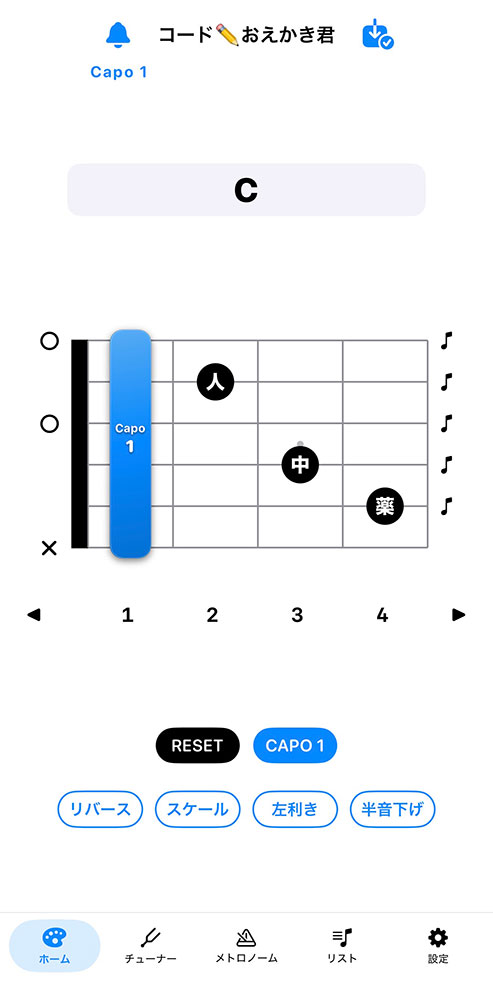
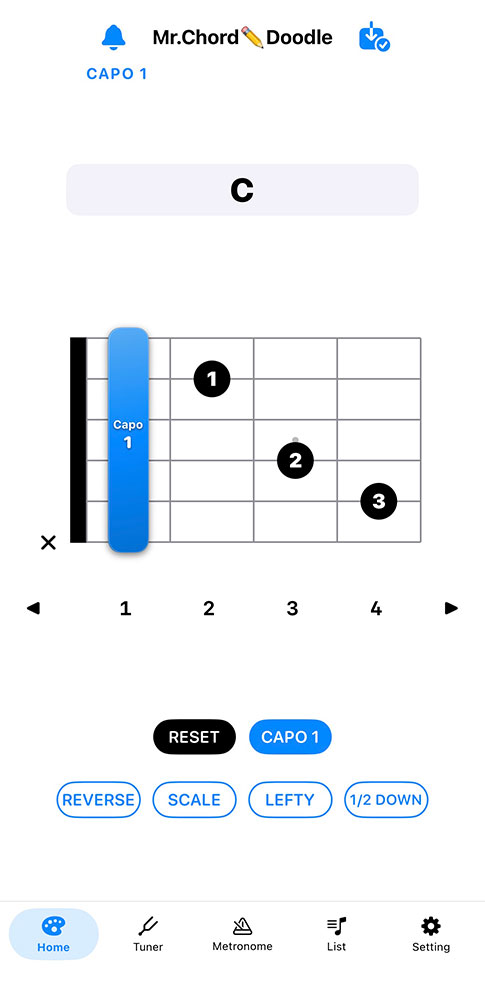
アプリ画面ギターモード
  • 指板上に自由にギターコードをおえかきできます。タップするだけで黒丸表示、指板をなぞることでセーハ線を描けます。タップした指板のポジションに応じてギターの音が出ます(半音下げモードでは半音下がった音が出ます)。
  • 黒丸やセーハ線を長押しすると指使いや音名を重ねて表示できます。音名はそのポジションに応じたものが自動で選択されます。
  • リバースボタンを押すと指板が180度反転、左利きボタンを押すと指板が左右反転します。半音下げボタンを押すとチューニング(出てくる音)が半音下がります。
  • カポボタンを押すとカポを装着できます。カポの位置をずらしたい時はカポをドラッグします。
  • カポの色は6種類の中から選べます(設定ページ)。
  • スケールボタンを押すと、ワンタップでそのポジションに応じた音名付きの黒丸が表示できます。※スケールモード時にセーハ線を描くことはできません。
  • ギター指板の左をタップするとミュート(✖︎)や開放弦(○)、開放弦の音名を表示できます。
  • ギター指板の右をタップするとそのポジションに応じた音が鳴らせます。何もおえかきしていない場合は開放弦の音が鳴ります。
  • 画面縦向きの時は4フレット分、横向きの時は12フレット分を表示できます。
  • コードをおえかきするとギターコードネームが自動表示(ギターコードの自動解析機能)されます。自動解析はOFFにすることもできます。
  • テキスト欄にコードネームを入れるとそれに応じたギターコードが自動で表示される機能もあります(デフォルトではOFF)。
  • テキスト欄には自分の好きなコメントを追加できます。
  • ギター指板のおえかきとテキストはアプリ上部の「保存ボタン」を押すと保存できます。保存したものは「リストページ」に一覧で表示されます。

🎯 チューナーモード
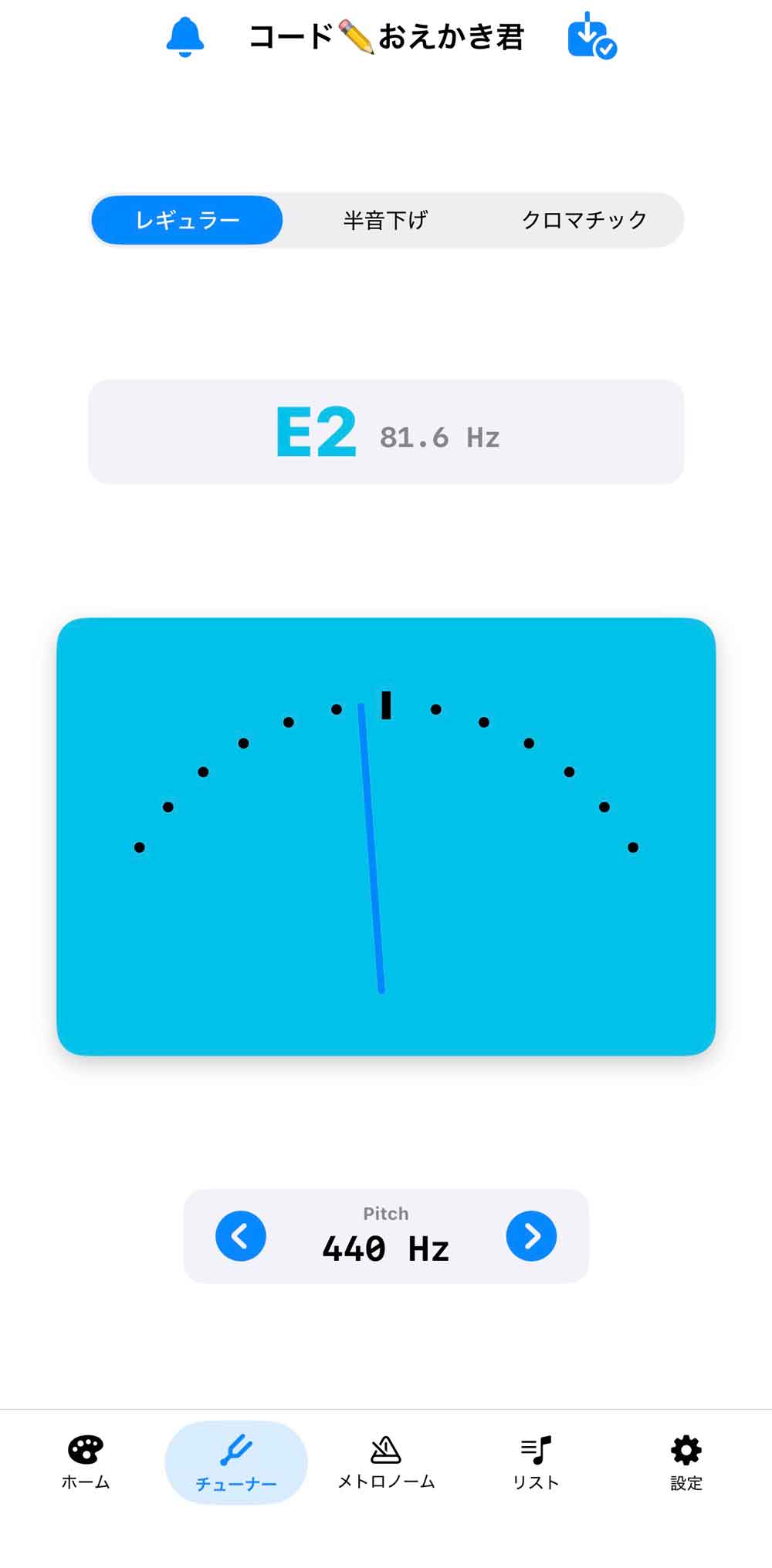
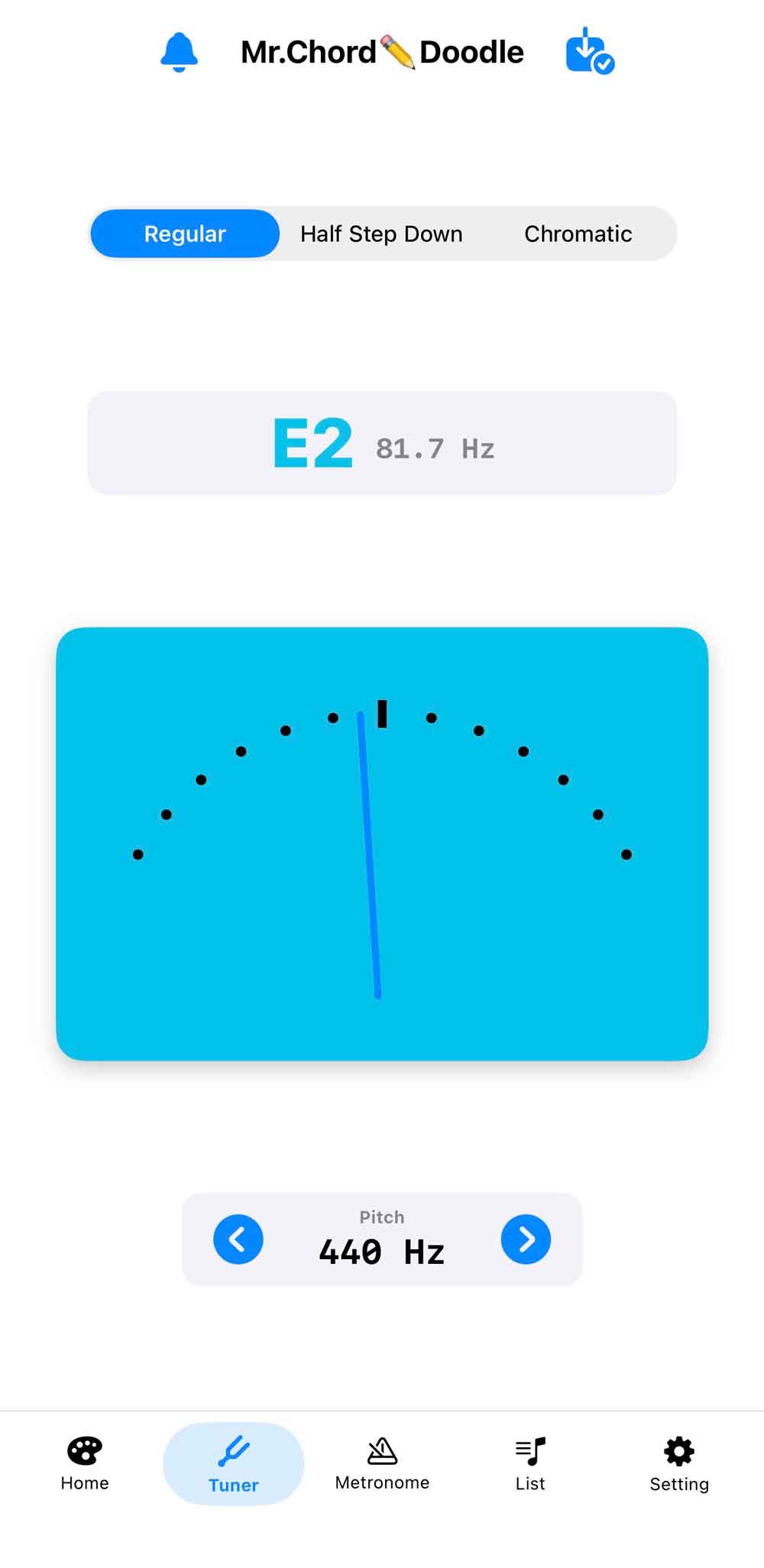
アプリ画面チューニングモード
  • レギュラーチューニング/半音下げチューニング/クロマチックチューニングの3つのチューニングに対応しています。
  • レギュラーと半音下げの時は判定音が鳴ります。クロマチックモードの時は判定音は鳴りません。
  • レギュラーと半音下げチューニング時には、よりギターの音が綺麗に聞こえるような「オフセット値」を設けています。補正なしのチューニングをしたい場合はクロマチックモードを選んでください。

⏱️ メトロノームモード
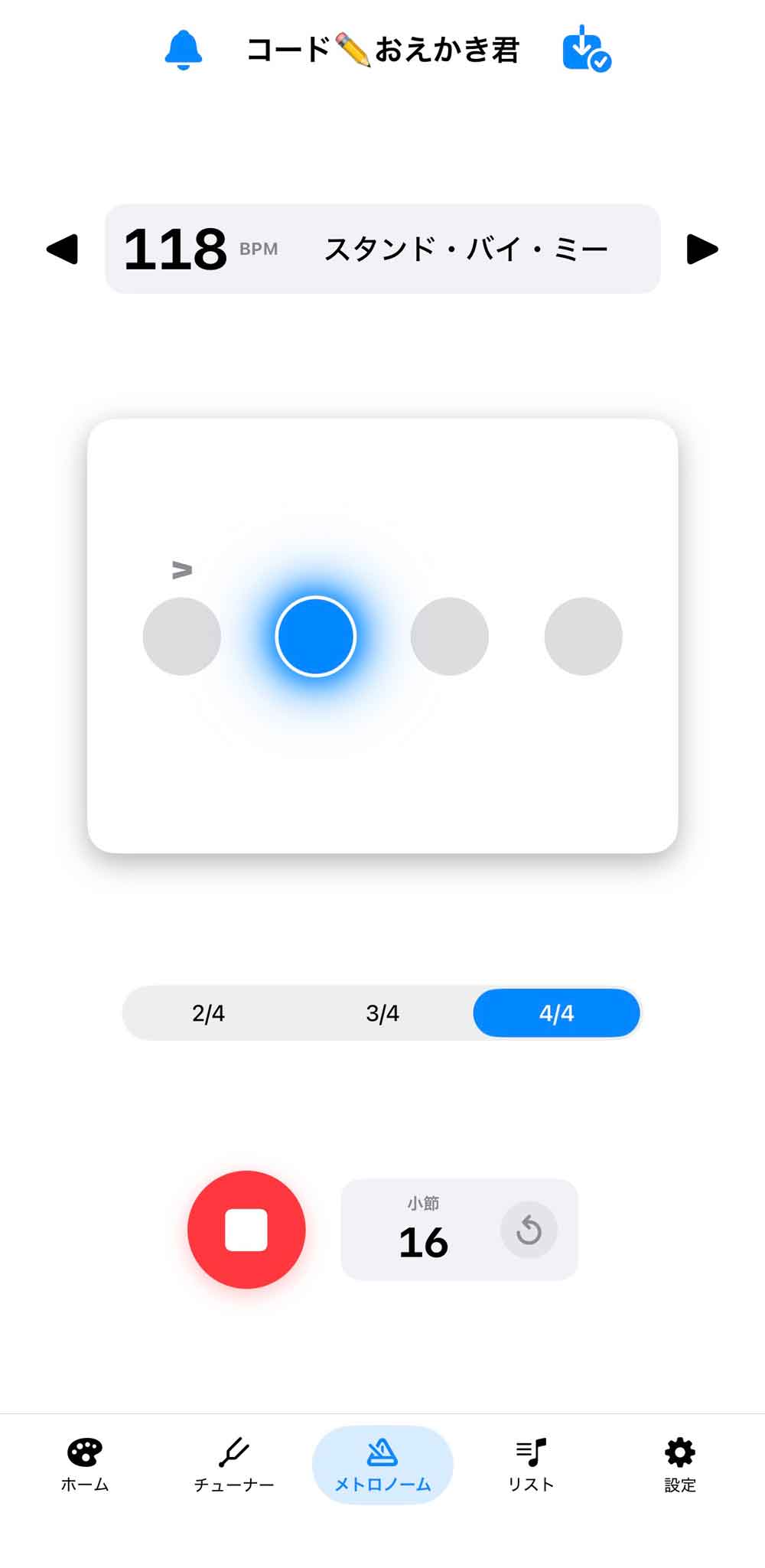
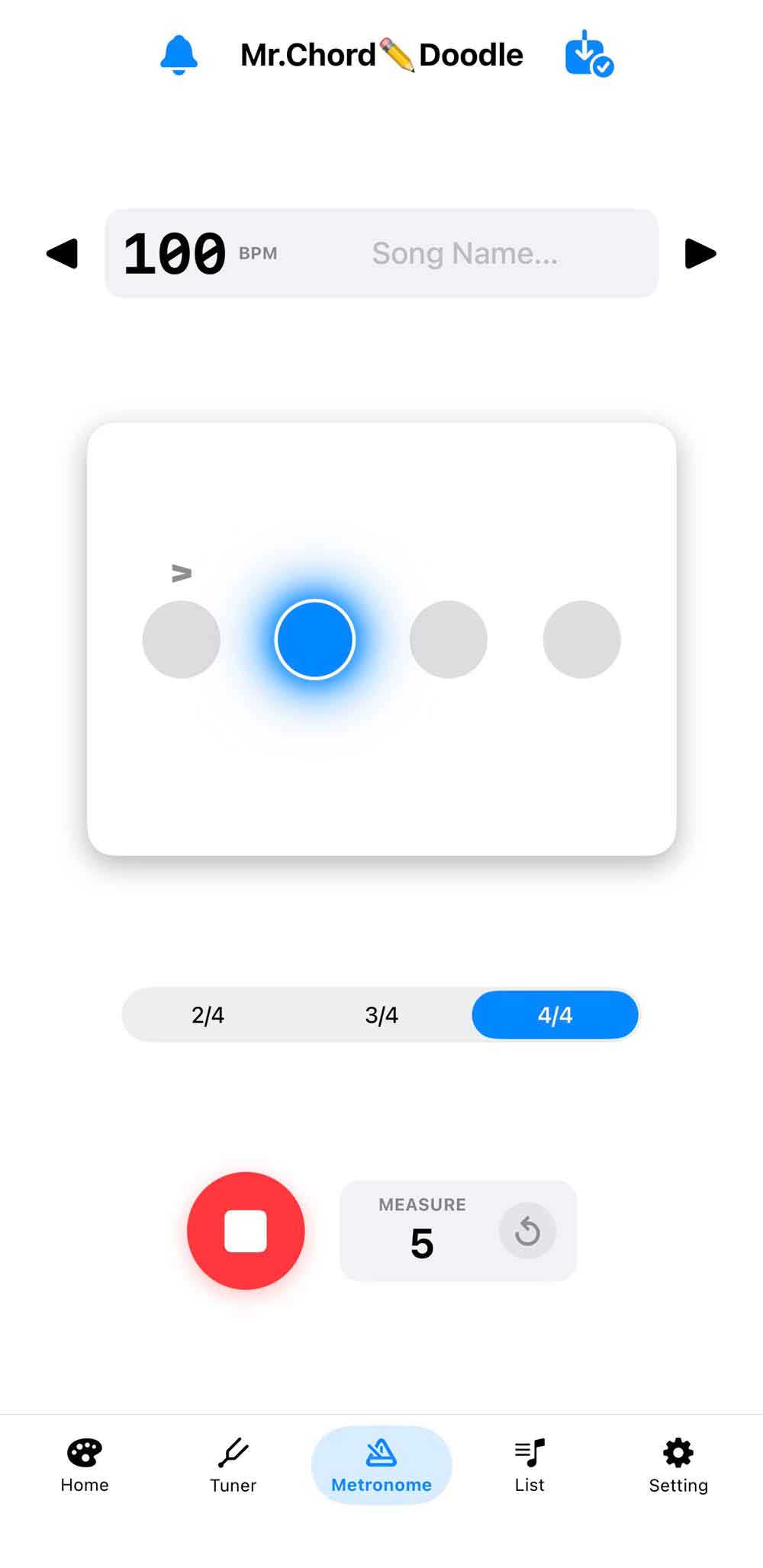
アプリ画面メトロノームモード
  • 簡易メトロノーム機能です。2/4拍子、3/4拍子、4/4拍子の中から好きな拍子を選べます。テンポは30〜250 BPMに対応しています。
  • 小節のカウントができます。カウント数をリセットしたい場合は ♻️ マークをタップしてください。
  • ドットをタップするとそこにアクセントをつけることができます。
  • メトロノームの音は6種類から選べます(設定ページ)。
  • 曲名やコメントをつけて保存することもできます。保存したものは「リストページ」に一覧で表示されます。

Copyright © 2026 Kazuaki Natsubayashi All right reserved.

当サイトで使用している写真、画像、記事、素材等の無断転用を禁止します

Natsubayashi Music App

User Guide for
Mr. Chord✏️Doodle

The concept of this app is "Freely draw guitar chords!" In addition to the Guitar Mode, essential music tools for daily guitar practice, such as a tuner and metronome, are packed into a single app.

🎸 Guitar Mode

App  Guitar Mode
  • Draw guitar chords freely on the fretboard. Tap to place dots, or slide across the fretboard to draw barre lines. Guitar notes sound according to the tapped fretboard positions (plays half-step down notes when in Half-Step Down mode).
  • Long-press dots or barre lines to overlay fingerings or note names. Note names are automatically selected according to their positions.
  • Tap the Reverse button to flip the fretboard 180 degrees, or the Left-Handed button to flip it horizontally. Tap the Half-Step Down button to tune the output sound down by a half step.
  • Tap the Capo button to attach a capo. Drag the capo to move its position.
  • Choose from 6 capo colors (via Settings page).
  • Tap the Scale button to instantly display dots with note names according to position. *Barre lines cannot be drawn in Scale mode.
  • Tap the left side of the fretboard to display Mute (✖︎), Open String (○), or open string note names.
  • Tap the right side of the fretboard to play notes corresponding to that position. If nothing is drawn, open string notes will play.
  • Displays 4 frets in portrait mode and 12 frets in landscape mode.
  • Chord names are automatically displayed when you draw a chord (Auto Chord Analysis). Auto analysis can be turned OFF.
  • Type a chord name into the text field to automatically render the corresponding chord diagram (OFF by default).
  • Add custom notes or comments in the text field.
  • Save your fretboard drawings and text by tapping the "Save" button at the top. Saved items appear in the "List Page".

🎯 Tuner Mode

App Tuner Mode
  • Supports Standard Tuning, Half-Step Down Tuning, and Chromatic Tuning.
  • Tone prompts play in Standard and Half-Step Down modes. No tone prompt plays in Chromatic mode.
  • Offset values are applied in Standard and Half-Step Down modes to help the guitar sound clearer. Select Chromatic mode if you prefer uncompensated tuning.

⏱️ Metronome Mode

App Metronome Mode
  • A simple metronome feature. Choose from 2/4, 3/4, or 4/4 time signatures. Supports tempos from 30 to 250 BPM.
  • Includes a measure counter. Tap the ♻️ icon to reset the count.
  • Tap the dots to add accents to specific beats.
  • Choose from 6 metronome sound types (via Settings page).
  • Save metronome settings with song titles and comments. Saved items appear in the "List Page".

Copyright © 2026 Kazuaki Natsubayashi All right reserved.

Unauthorized use or reproduction of any text, images, photos, or other content on this site is strictly prohibited.